Scan · in development
Point at the card, it gets identified.
Recognise the exact card — its set, its printed number, its printing — and drop it where you keep it. That is what scanning will do; the screen beside this is a drawn preview.
- The catalogue is already there: 67,432 cards with their photo, their number and their rarity. It is the recognition that is being built.
- The place is reserved at the centre of the navigation bar, and the button announces its own state.
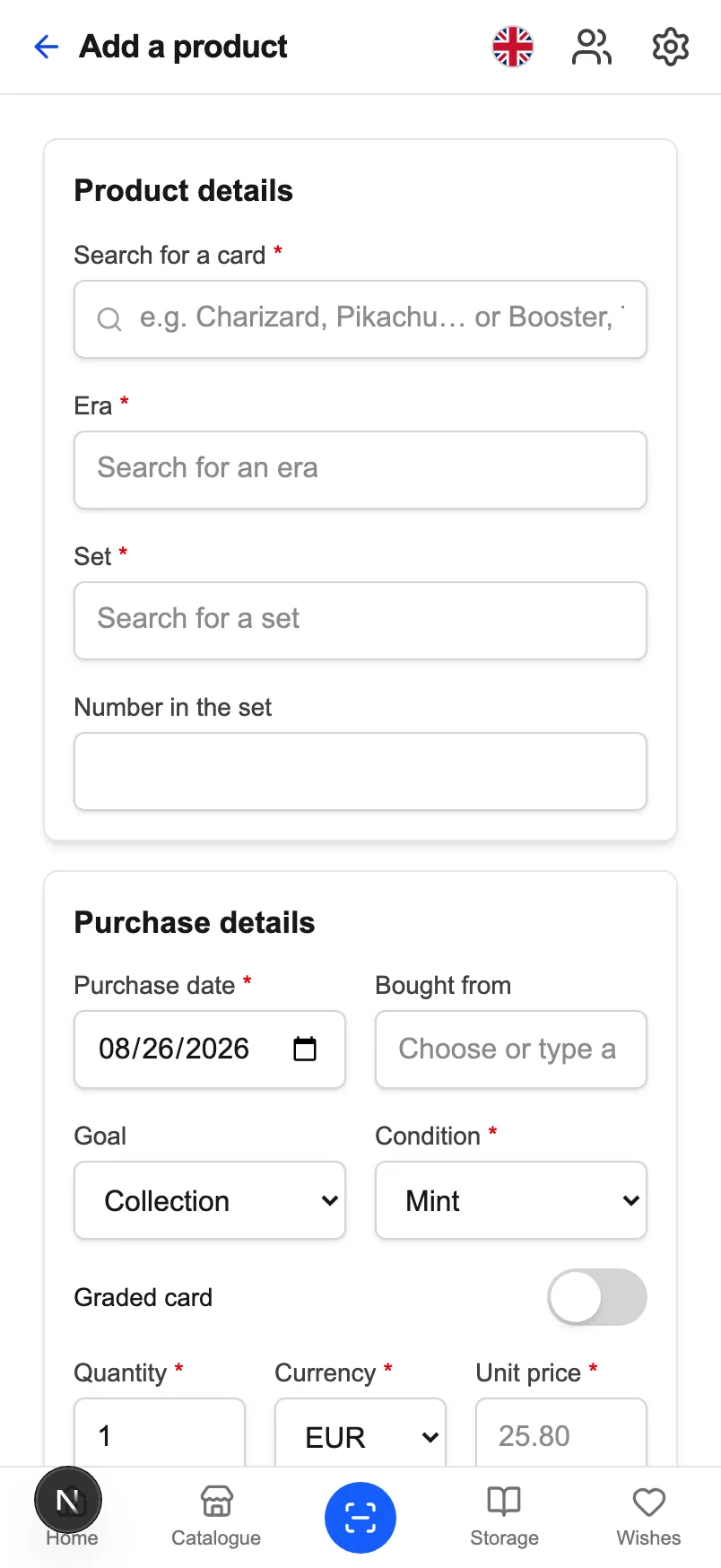
- In the meantime, adding takes three letters: the search queries the catalogue live.
Identify
The exact card, not just the Pokémon.
« Charizard » names dozens of cards. What identifies the one in your hand is its printed number, its set and its printing — the three fields CardoMint stores, and the three a scan will have to return.
- The number is read with its denominator — « 120/084 » — because that is what is printed, and because beyond the total you are on a secret rare.
- The printing counts just as much: normal and reverse are not worth the same, with up to a 10.4× gap measured.
- A misread card enters with the wrong price and skews the valuation. So scanning will propose, and ask you to confirm.
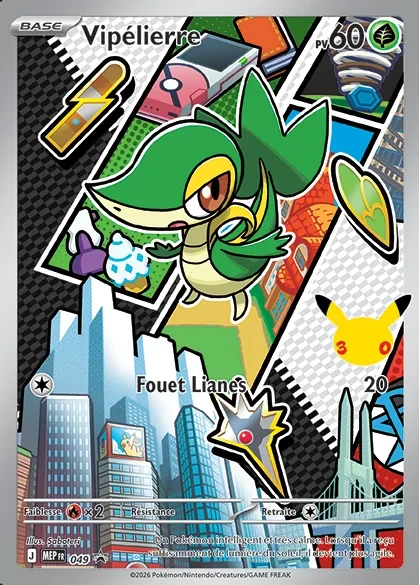
Preview · feature in development
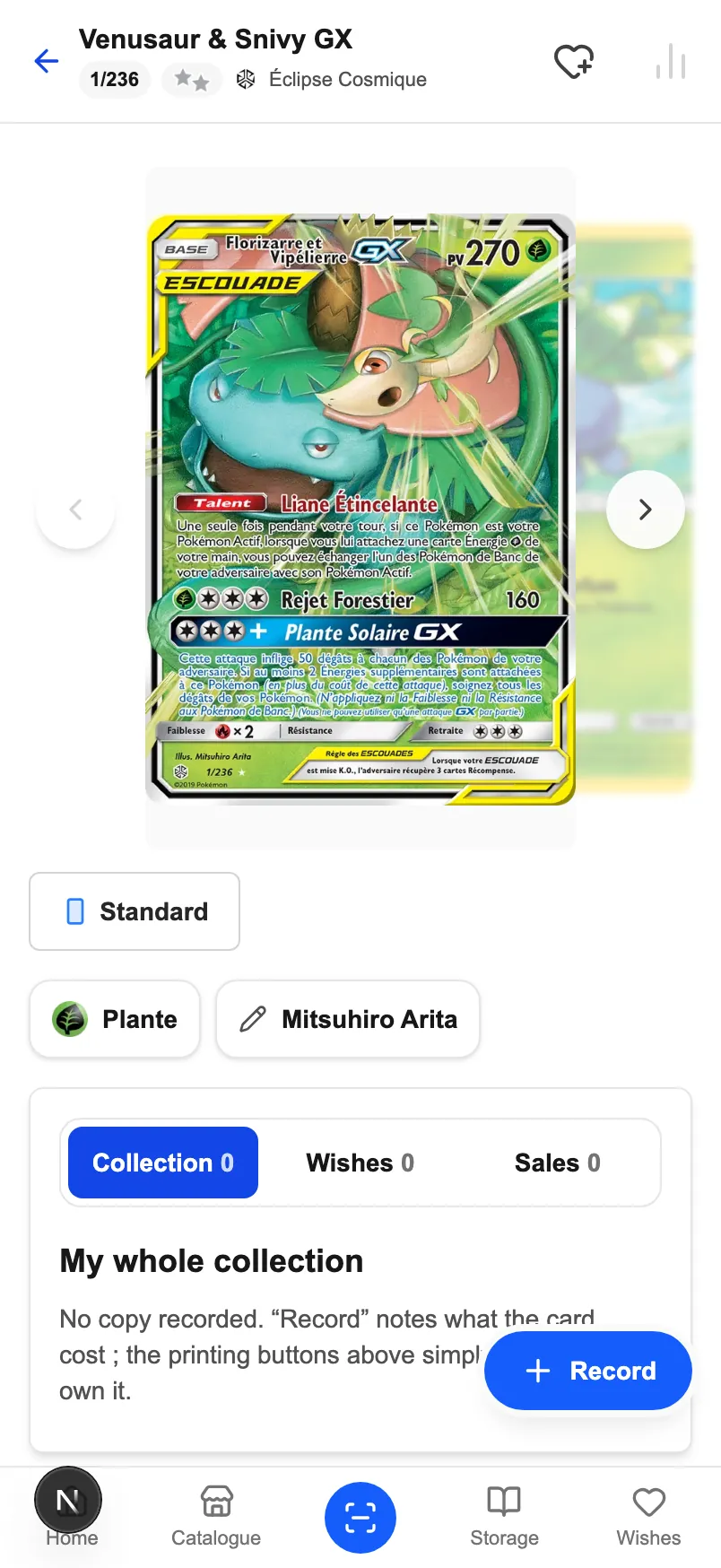
File it
Into your collection, a binder or a bin.
Recognising a card is only worth something if it lands somewhere. The storage already exists: a binder turns page by page and reorders by thumb, and a bin takes the rest.
- The card joins your collection with its date, its price and its condition — the three things the catalogue cannot guess for you.
- A binder carries its pockets: you slide a card from one pocket to the next, and an empty pocket stays a pocket you can drop into.
- A bin files without numbering — for whatever is waiting to be sorted.
Today
Three letters, and it all arrives filled in.
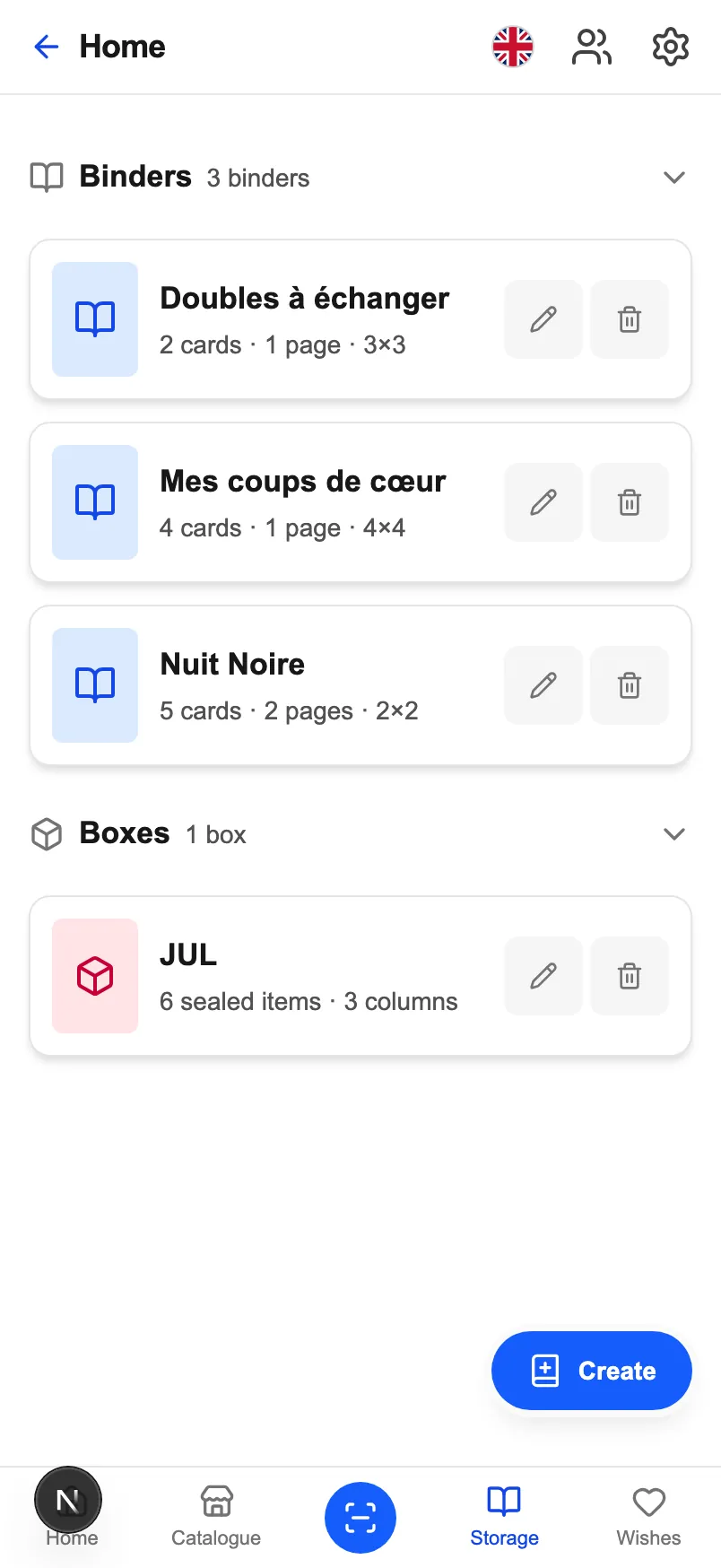
The add form's search queries the catalogue live. The name, the set, the printed number, the photo and the recommended price fill themselves — all that is left is what the card cost you.
- 70,578 products searchable, cards and sealed, across the three markets of the Pokémon catalogue.
- The search ignores accents: « boitier » finds « Boîtier », « evolutions » finds « Évolutions ».
- The purchase date stays bounded by the set's release: a correct date protects the holding period, and therefore the annualised return.
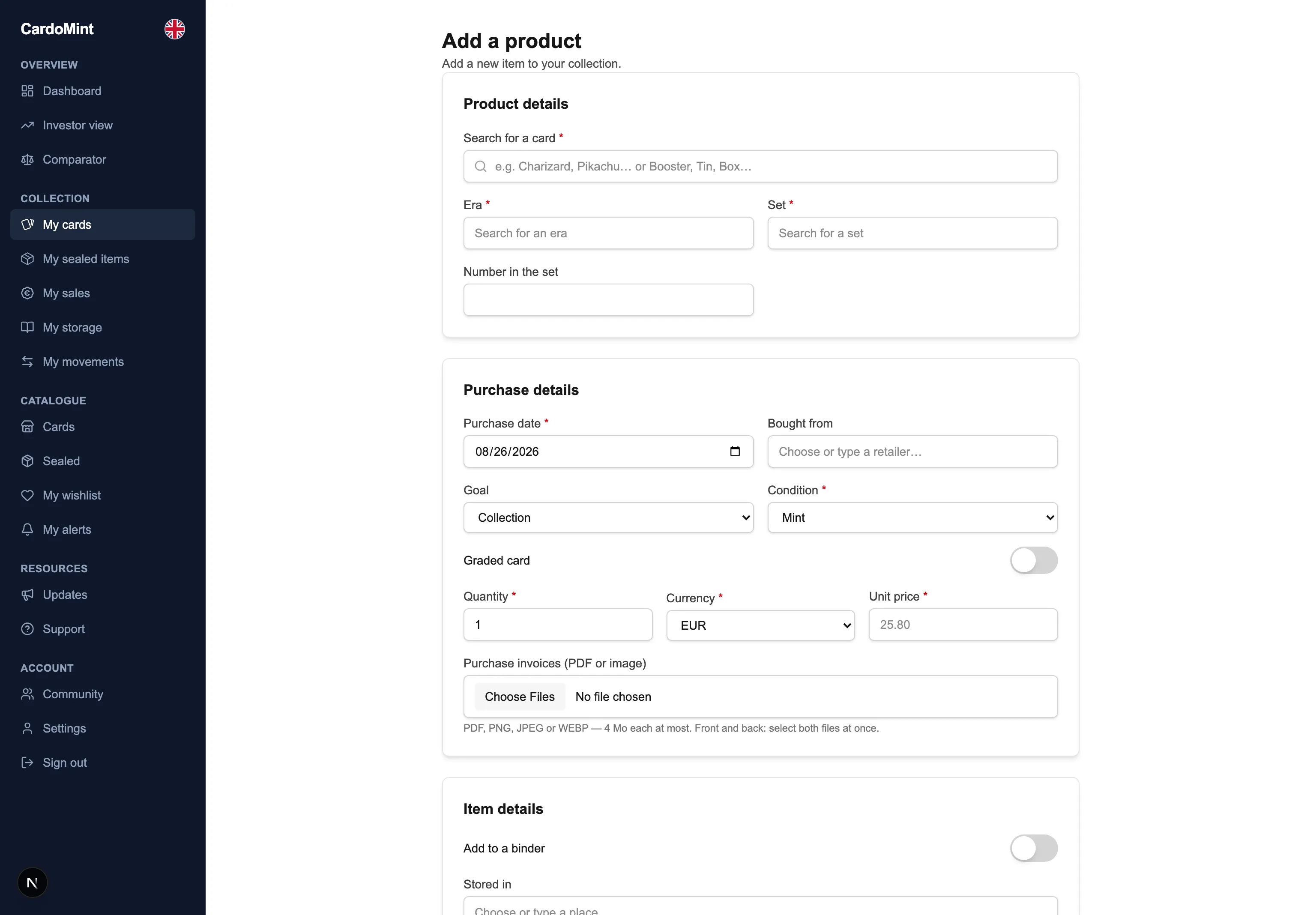
What is left to build
- Recognise down to the number
- Two cards of the same Pokémon in the same set differ by their printed number and their printing. A scan that returns « Charizard » without returning « 013/094 · Holo » asks you to finish the job by hand.
- A recognition source
- The sources this project uses serve photos, not image identification. It will take either a third-party service or a model trained on the catalogue's 67,432 photos.
- Propose, then confirm
- A misread card enters the collection with the wrong price and skews the valuation. Scanning will propose a candidate and wait for agreement.
- What is already in place
- The centre button of the navigation bar, with its message announced to screen readers. The place will not have to be found again.
- What works today
- The add form's search queries the catalogue live: name, set, number, photo and recommended price all arrive filled in.
- And for sealed products
- A barcode scan would be a different piece of work: our 3,146 sealed products are identified by their photo and their set.
In the meantime, adding takes three letters
The catalogue fills the form for you — it already does, for all 70,578 products.